Chickadee

A music player your kids run with paper.

Kids scan a song card and it plays. No screen to scroll, no autoplay, no surprises: only the songs you picked.

Get started
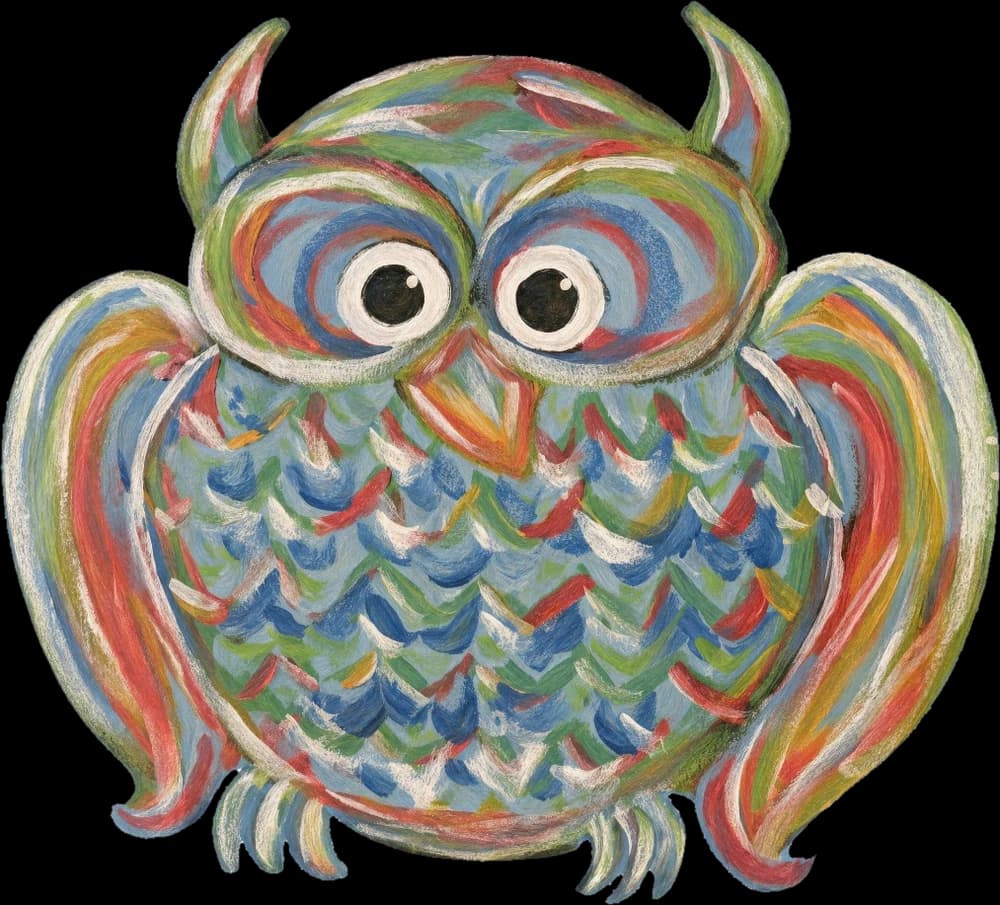
Chickadee's painted owl

Every feeling is a playlist

On the jukebox, kids tap the face a song gives them: the same faces they circle in the song book. Later they tap a face and hear every song that feels that way.

  • Happy

    Songs that make you grin

  • Calm

    Songs for slowing down

  • Excited

    Songs that make you jump

  • Sad

    Songs for feeling blue

  • Silly

    Songs that make you giggle

  • Brave

    Songs that make you roar

Three steps to a screen-free jukebox

  1. 1

    Pick their songs

    Start from the 500-song book, or search all of TIDAL's clean tracks and add any song to a kid's library.

  2. 2

    Print song cards

    Each song gets a page with its QR code, cover, lyrics, a little about the artist, and room for notes.

  3. 3

    Hand over the jukebox

    Scan one setup code and the jukebox knows whose it is, signs in to their TIDAL, and plays only their songs.